Manage Forms
Owner’s Manage Forms
The questions people answer when they register. It shows:
Registration form: the questions, in order
A question: its type, options and settings
It might also show:
Answers: once someone has answered
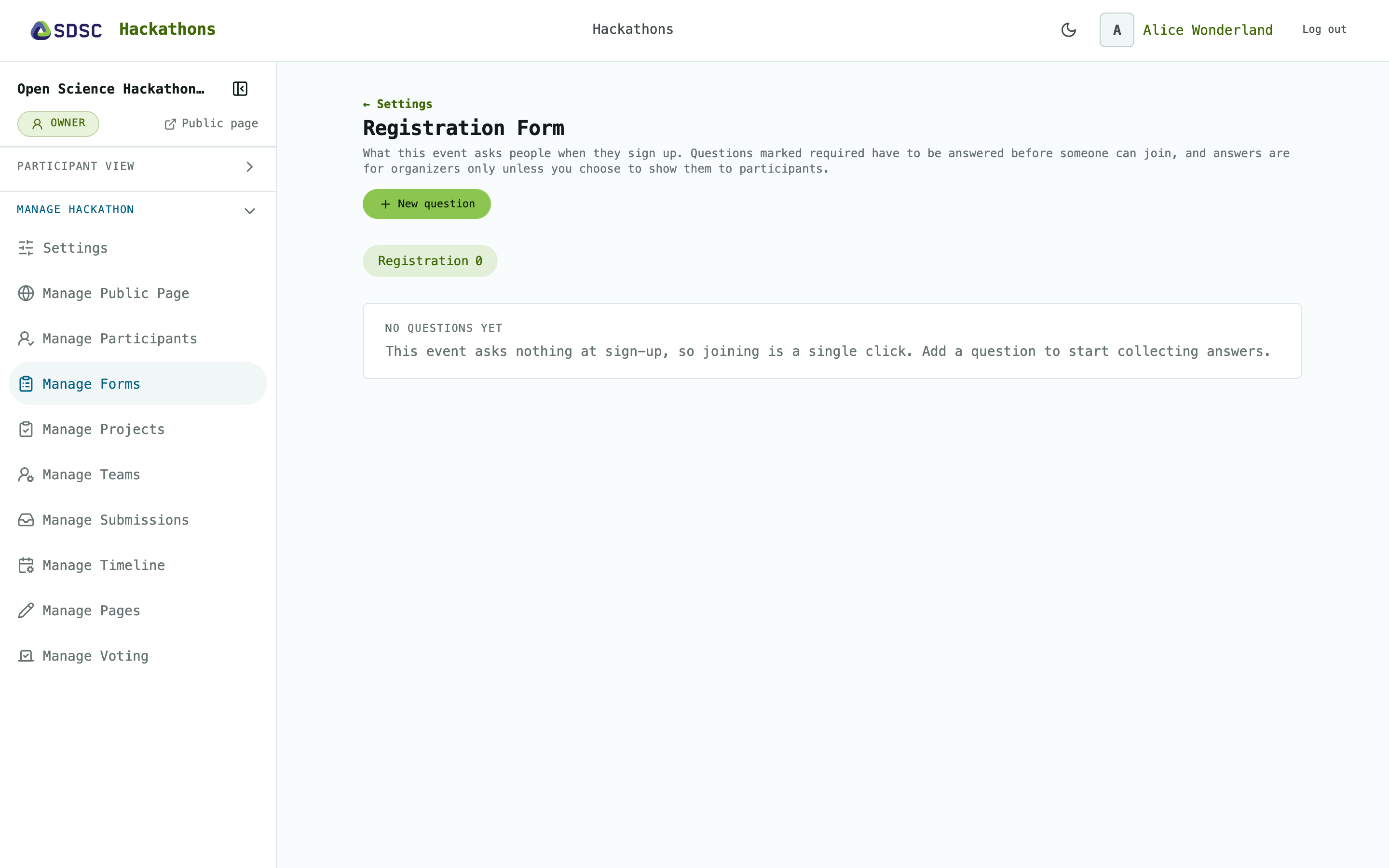
Registration form
Click New question to add a question. Click Edit or Delete next to a question to change or remove it.
Once people have answered, type, options and Required are locked, and deleting a question discards its answers.
A question
Enter the Key, Question, Answer type and Position. Tick Required if everyone must answer.
Tick Show answers to participants to share the answers on Participants.
For choice questions, enter the Options, one per line.
Answers
Click See the answers to see, per question, who answered and what.
Each person’s answers are also on Manage Participants.
Answers help you form teams, see Manage Teams.