Manage Voting
Owner’s Manage Voting
Vote categories and results. It shows:
How voting works: the four steps and where each stands
Categories: what participants vote on
Count so far: the live tally, for owners only
It might also show:
Final results: once you make the results final
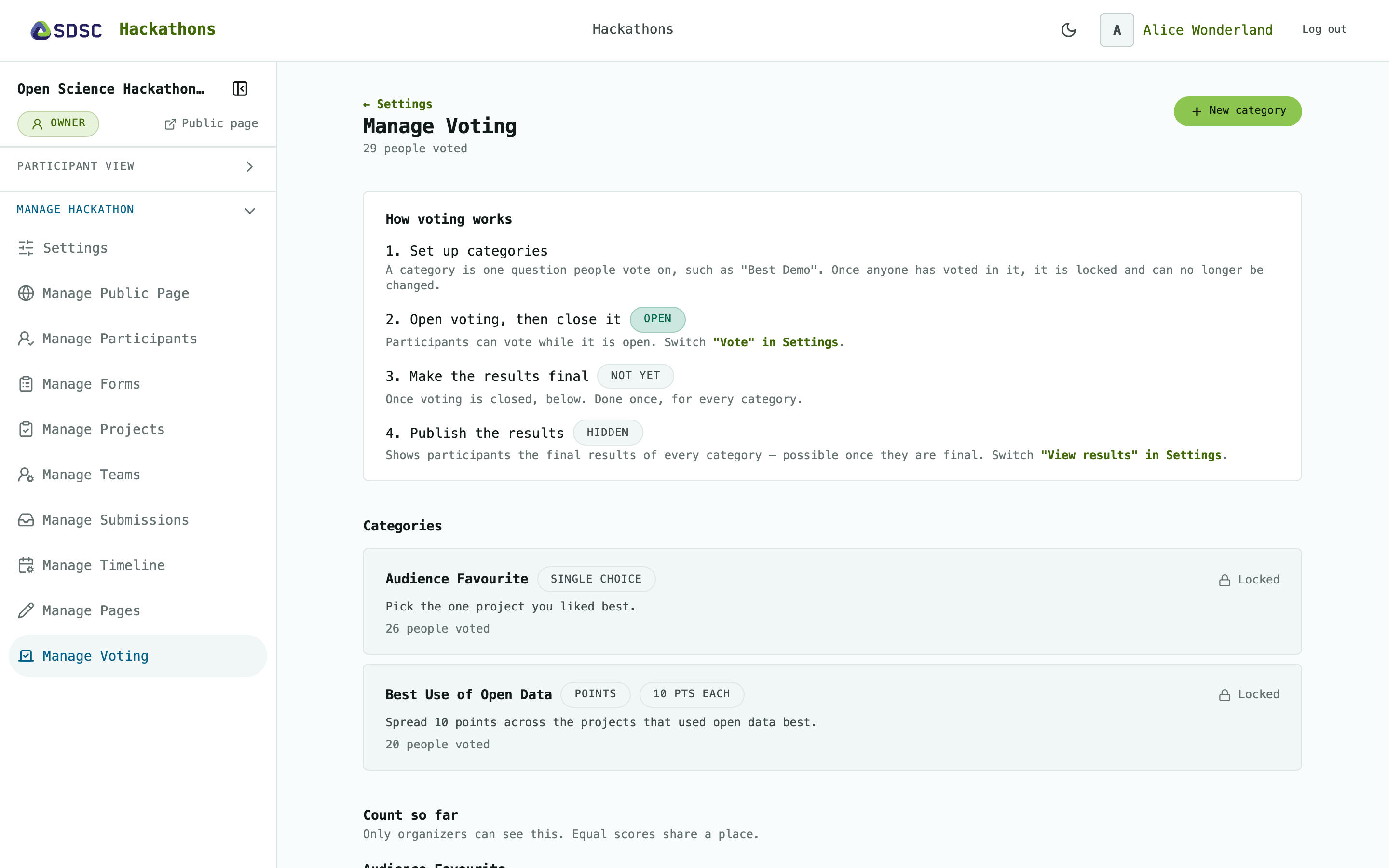
How voting works
Categories
Click New category and enter a name and description. Choose how people vote: Single choice (pick one) or Points (spread a budget, 10 by default).
Click Edit or Delete to change or remove a category, until someone has voted in it. Then it is Locked.
Participants vote on Voting.
Count so far
The ranking per category as votes come in. Participants don’t see it.
Click Make results final once voting is closed. It cannot be undone.
Final results
Participants see them on Results once you publish them.