Participants
Participant’s Participants
Everyone taking part in the hackathon. It shows:
All participants: with search, your own entry first
A participant’s profile: links, shared answers and teams
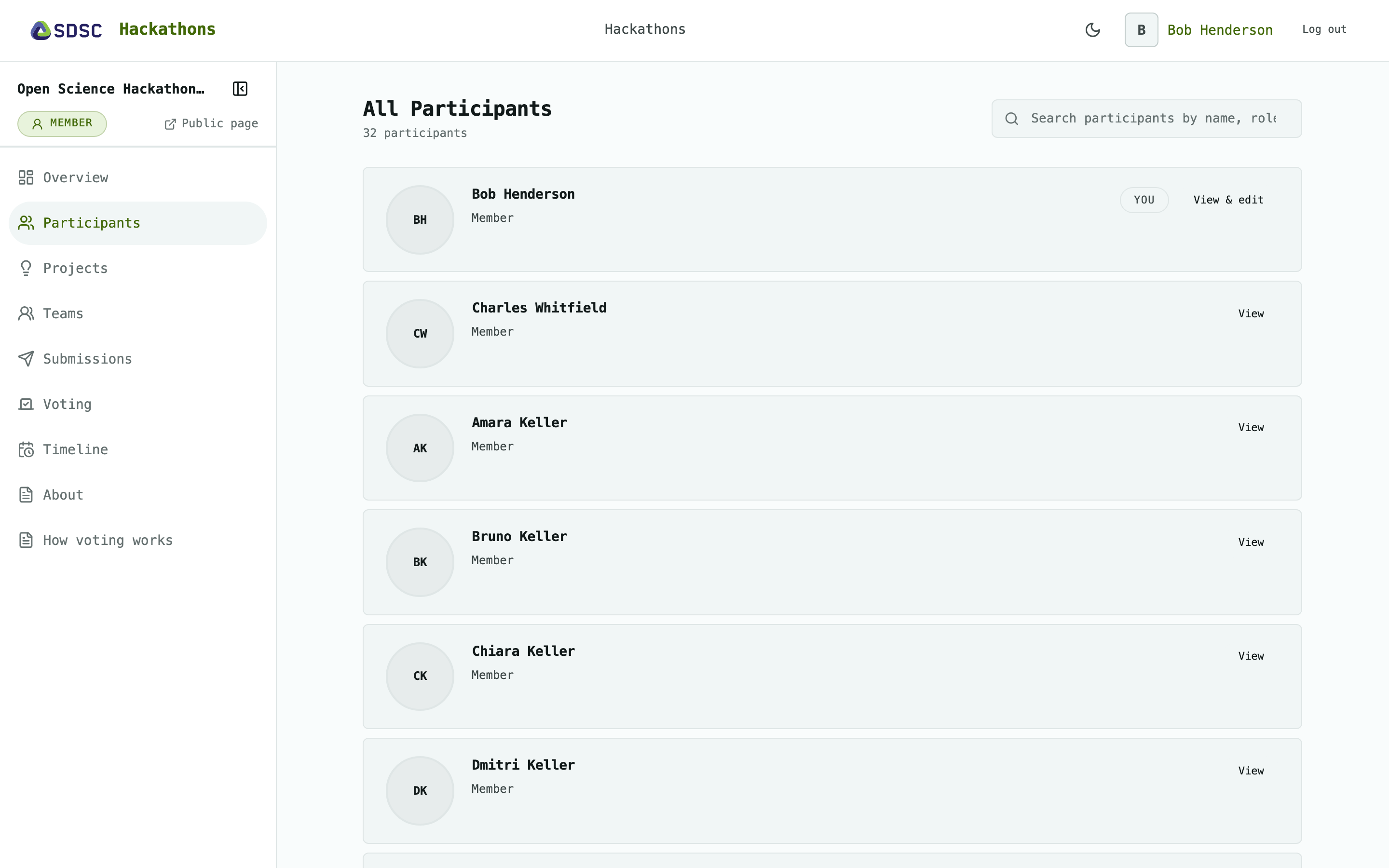
All participants
Search by name or role.
Your own entry is at the top, marked You.
Click View to open a profile. On your own entry the button reads View & edit.
A participant’s profile
Name, profile links and the date they joined.
Shared answers: the registration answers they chose to share.
Teams: their teams, once teams are published. Each links to its team.
On your own profile:
Click Edit answers to change your registration answers.
Click Add your GitHub, LinkedIn or Renku link to go to your account page.