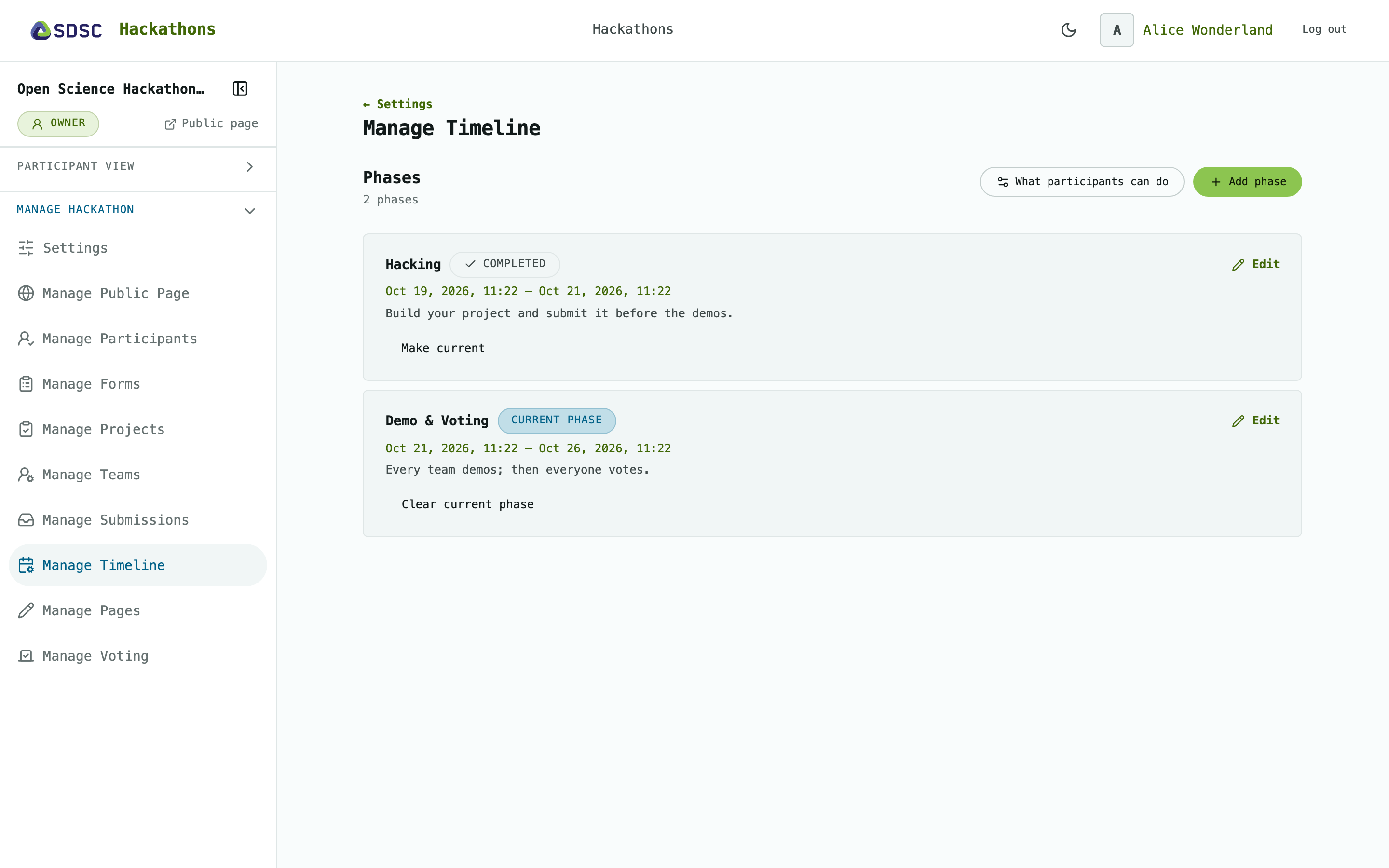
Manage Timeline
Owner’s Manage Timeline
The hackathon’s phases. Appears once the hackathon has a phase. It shows:
Phases are optional
Phases are for information only: moving to another phase doesn’t change what participants can do. That is decided on Settings.
Phases
A phase
Click Add phase and enter a name and description. Add its dates afterwards.
Enter both Starts and Ends, or neither. Once set, they can be changed but not removed.
Click Delete this phase to remove it.