Manage Submissions
Owner’s Manage Submissions
Every team and where it stands with its work. It shows:
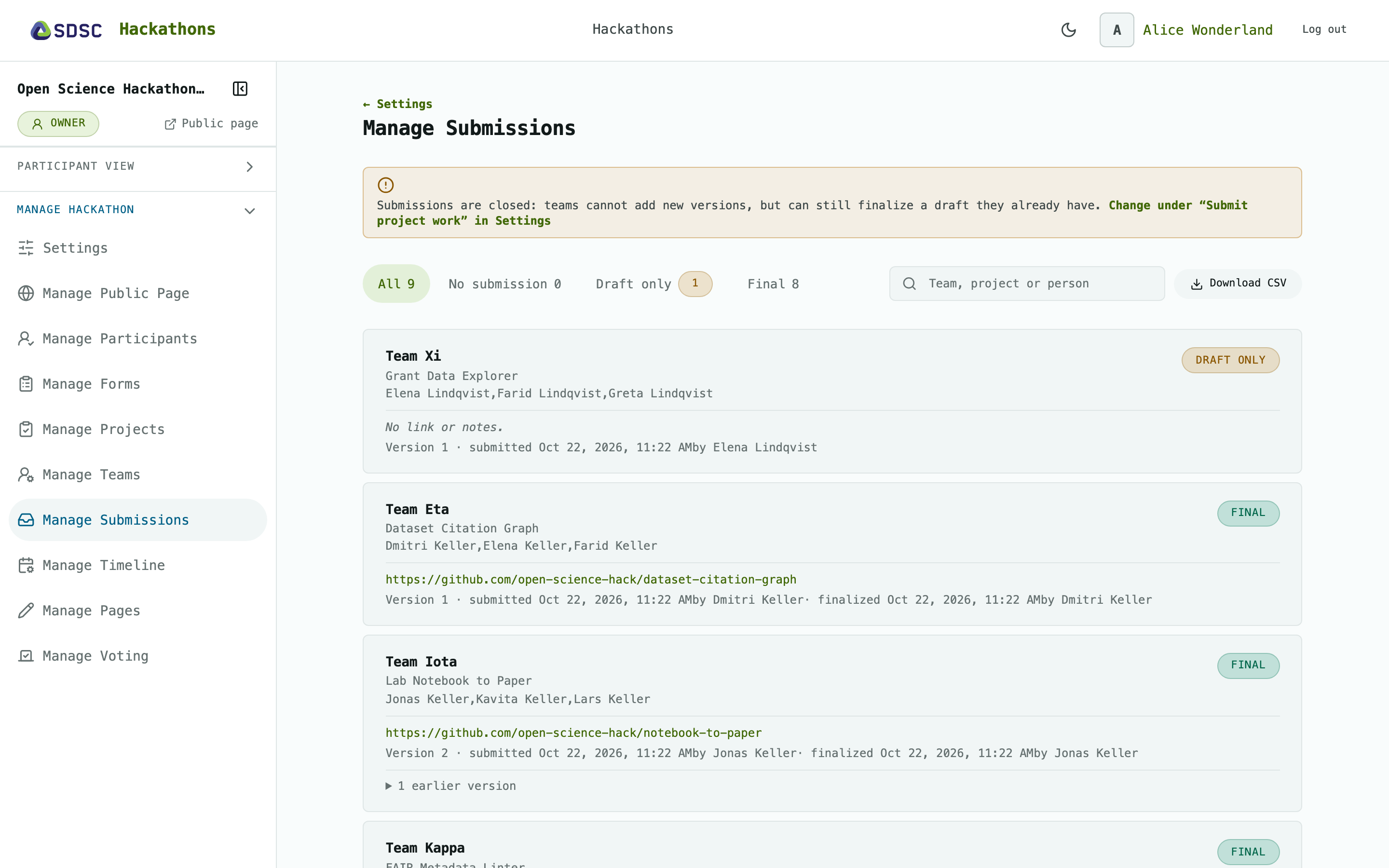
Status
The page says Submissions are open or Submissions are closed. Change it on Settings.
Teams
Click the tabs All, No submission, Draft only and Final to filter. Search by team, project or person.
Click Download CSV to get all teams.
Per team: members, the entry, its version and who submitted it. Earlier versions are folded away.
Read-only: teams hand in and finalize themselves on Submissions.
No teams yet: click Set up teams to go to Manage Teams.