Manage Pages
Owner’s Manage Pages
The hackathon’s own pages, such as rules or a schedule. It shows:
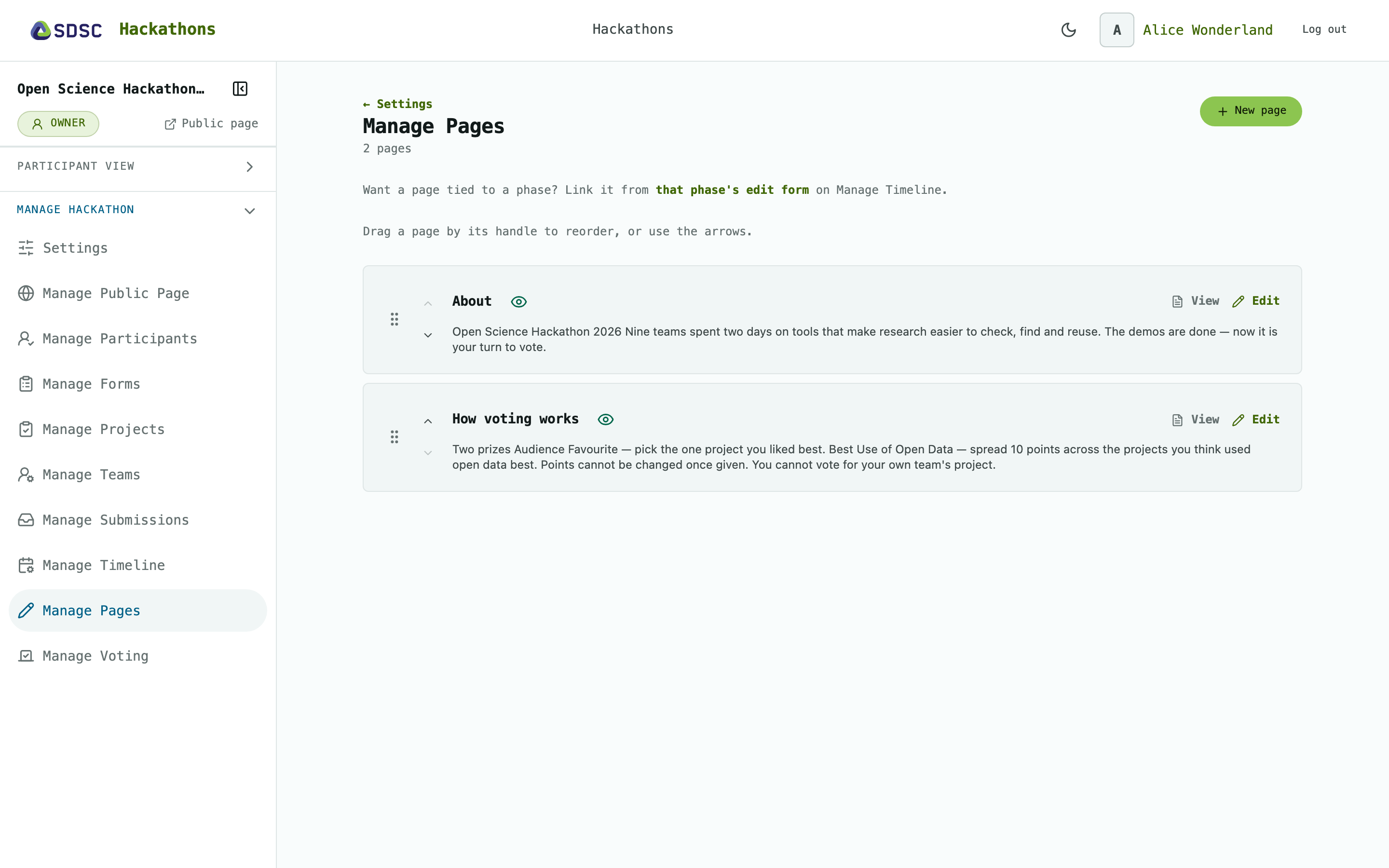
Pages
Drag or use the arrows to change the order in the menu.
Click the eye to show or hide a page for participants.
Click View to see a page as participants do, or Edit to change it.
A page
Click New page, then enter a Title and the Content in Markdown. Tick Visible to participants to show it.
Visible pages appear in every participant’s menu.
Click Delete this page on a page’s edit form to remove it.