Manage Projects
Owner’s Manage Projects
Every project, whatever its status. It shows:
Projects by status: approved, awaiting review, rejected
Review: approve or reject a project
New project: add one yourself
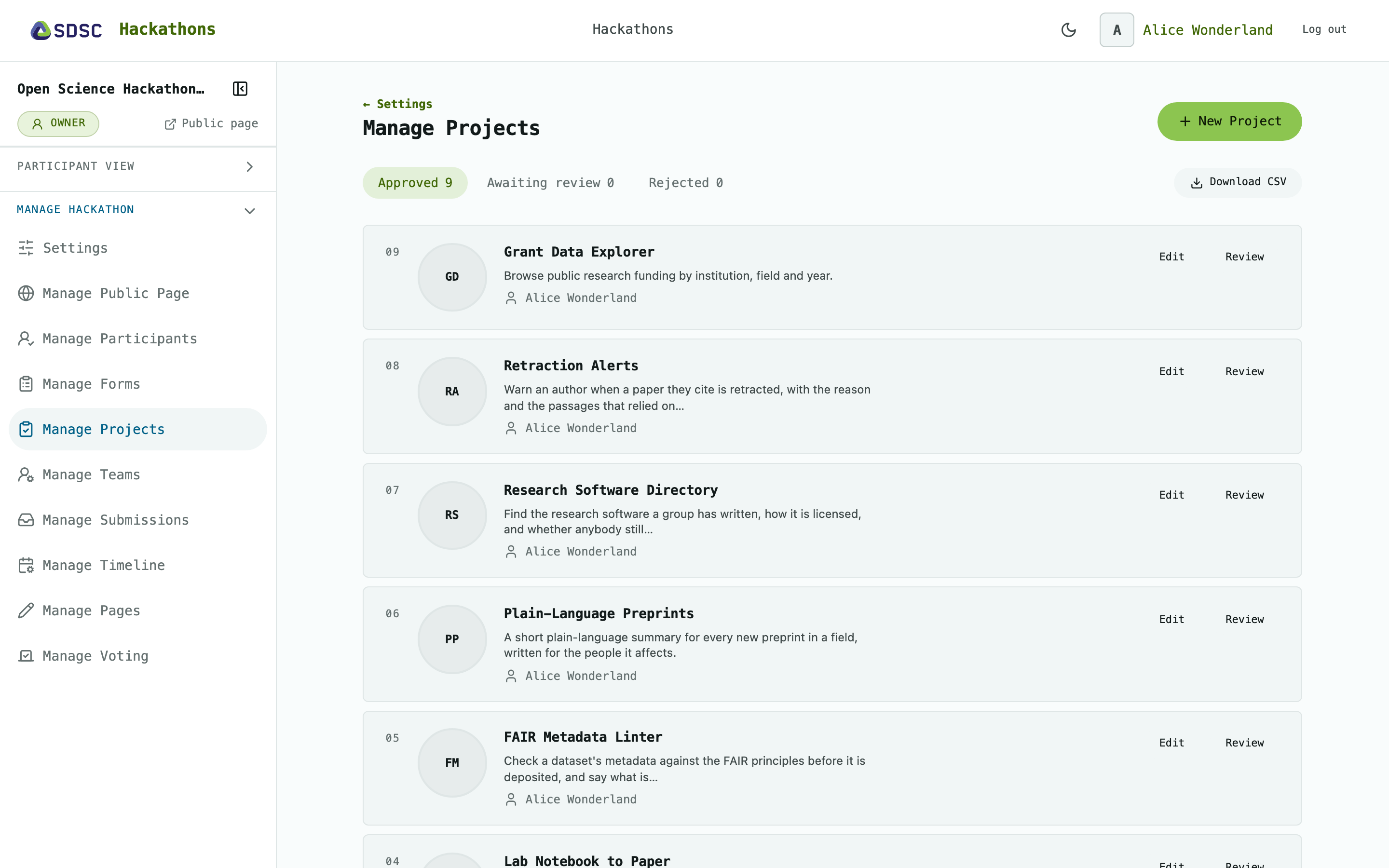
Projects by status
Click the tabs Approved, Awaiting review and Rejected to switch between statuses.
Click Download CSV to get all projects as a spreadsheet.
Click Review or Edit next to a project.
Review
Click Approve or Reject. When you reject, you can give a reason. Revoke approval and Reconsider undo a decision.
Only approved projects appear on Projects and on Manage Teams.
New project
Click New Project to add one. It is the same form participants use to propose.
Participants propose only while you allow it, see Settings.