Manage Participants
Owner’s Manage Participants
Everyone who registered. It shows:
Participants: the roster, with search and CSV download
A person: answers, teams, and what you can change
It might also show:
Waitlist: people waiting for your approval
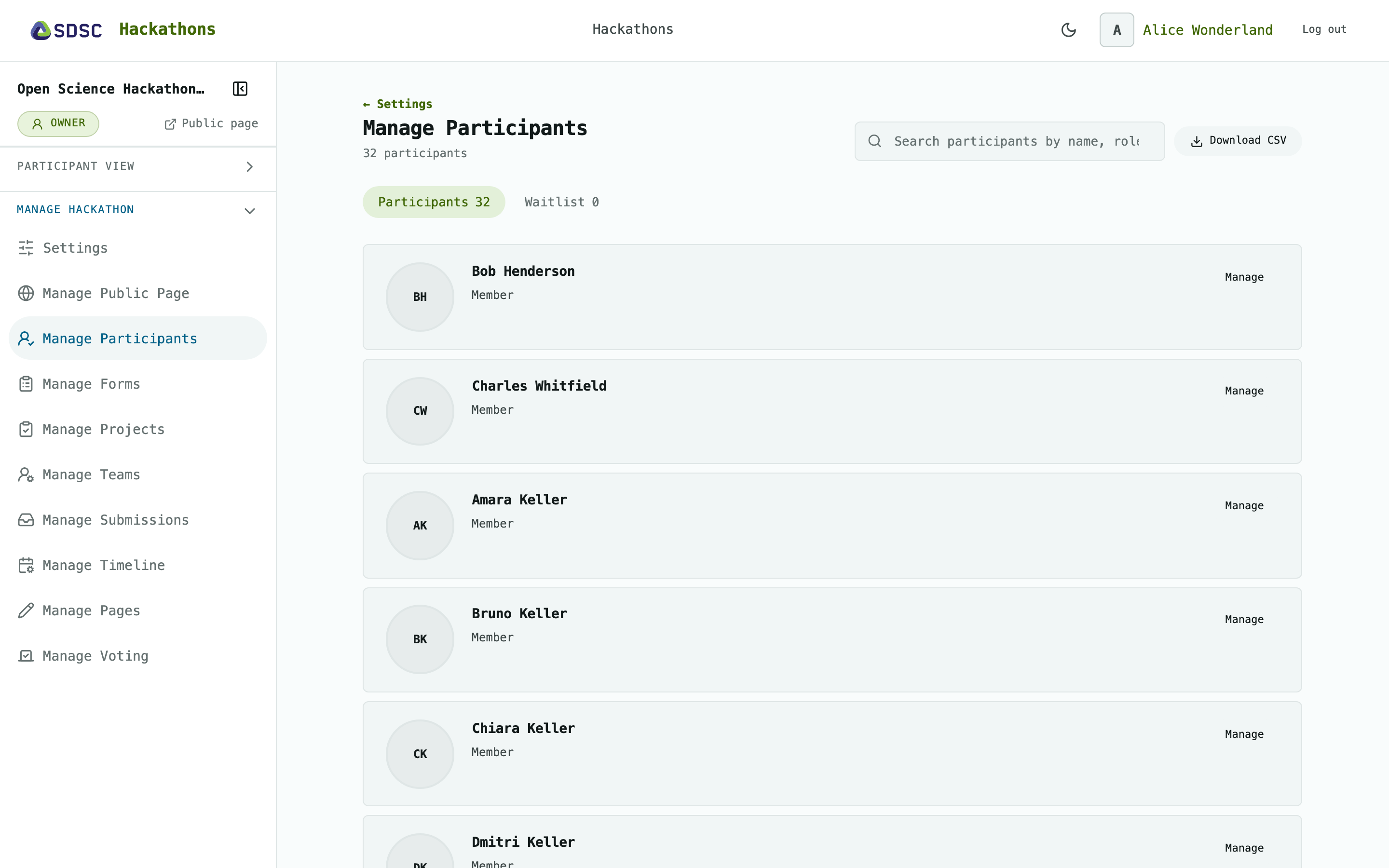
Participants
How many there are, who has no email address, who answered the registration form.
Click Download CSV to get everyone, waitlist included.
Click Manage to open a person’s details
Waitlist
On a public hackathon, everyone who registers waits here.
Click Review to open a person and approve or decline them.
Only owners see the waitlist.
A person
All registration answers, including those not shared.
Their teams, see Manage Teams.
Click Approve or Decline for someone waiting.
Click Make owner or Remove owner to change their role.
Click Remove from hackathon to remove them. For an owner, remove the owner role first.