Manage Tracks
Owner’s Manage Tracks
The hackathon’s tracks. Appears once the hackathon has a track. It shows:
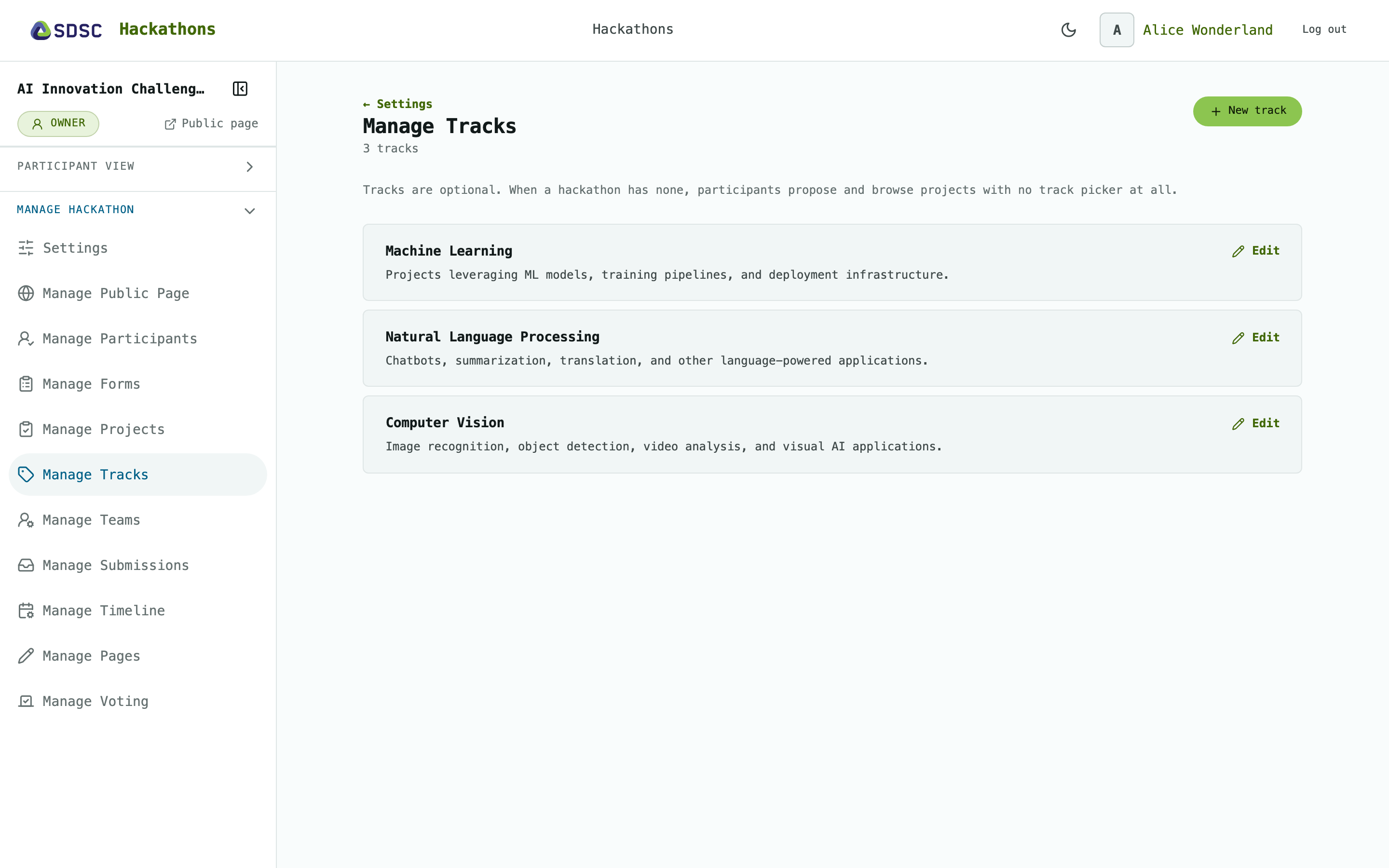
Tracks are optional
Hackathons without tracks are perfectly fine. Add the first one on Settings.
Tracks
Tracks group projects, for example by theme.
A project picks its track when it is proposed or edited, see Manage Projects.
A track
Click New track and enter a name and description.
Click Delete this track to remove it. Its projects stay, without a track.