Projects
Participant’s Projects
The projects you can work on. It shows:
Approved projects: the projects of this hackathon
It might also show:
Propose a project: while the owners take proposals
Your proposals: your proposals that are not approved yet
Preferences: while the owners collect project preferences
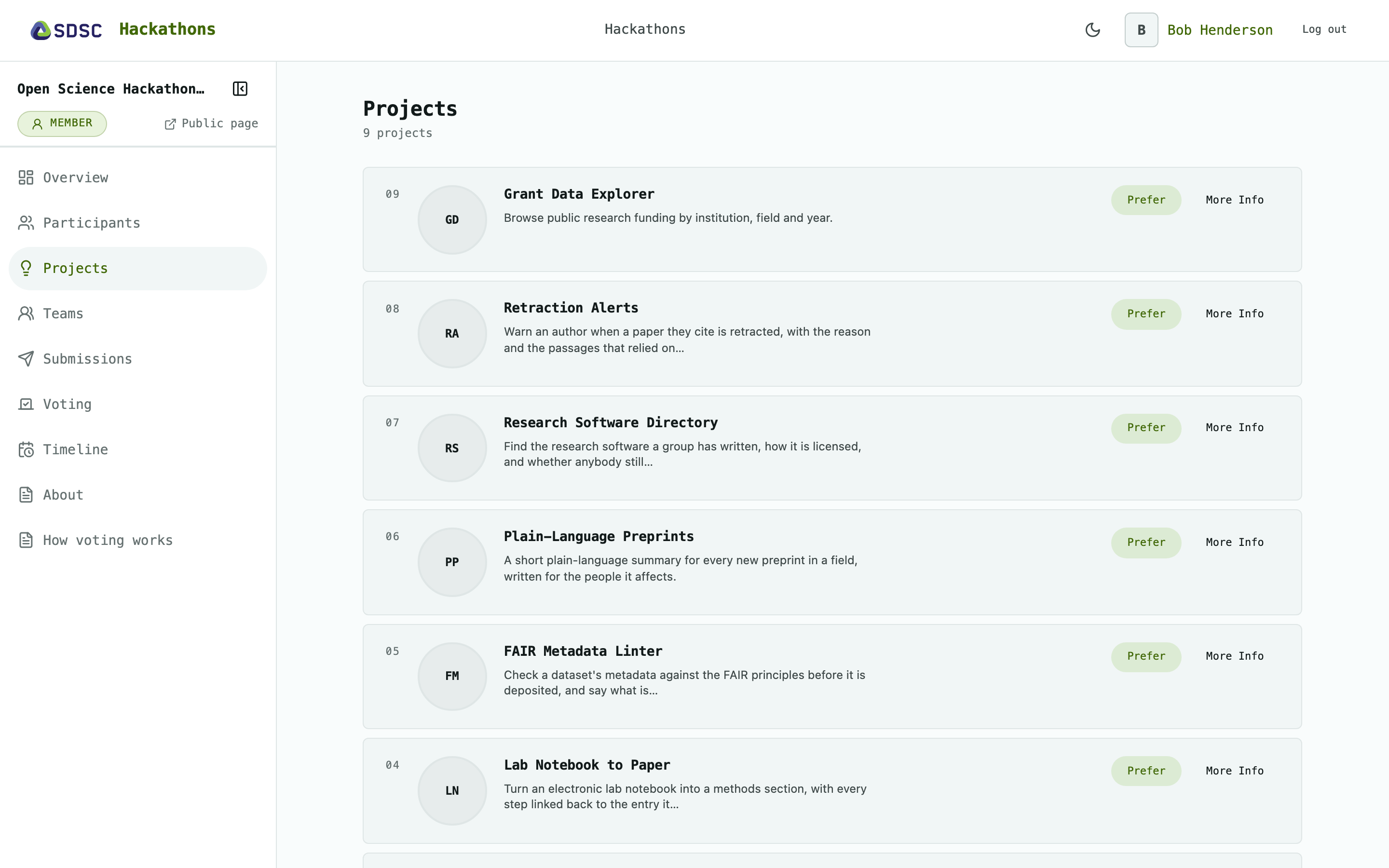
Approved projects
Eight projects per page. Each opens its details: description, track and who proposed it.
Propose a project
Click Propose a Project, then enter a title, a description, and a track if the hackathon has tracks.
An owner reviews it before it appears in the list, see Manage Projects.
Your proposals
Each with its status, for example Rejected, and the owner’s reason.
Click Edit to change it while it is still waiting for review.
Preferences
Click Prefer to mark a project you would like to work on. ★ Preferred shows you did.
The owners use the preferences to form the teams, see Manage Teams.